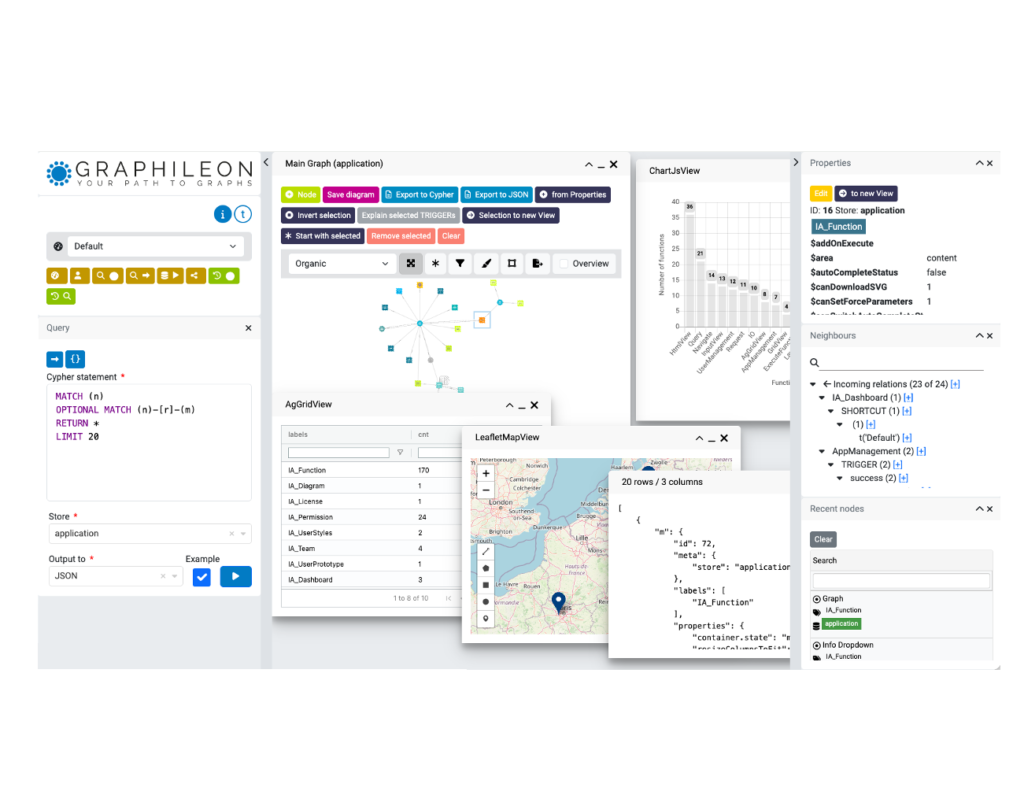
When running our Graphileon Personal Edition you will likely connect it to a store running locally or on a cloud server.
However, when running a server edition, either on-premise or using our AWS edition, you may still want to connect to a store running on your own machine.
This video explains how to connect your local store to Graphileon using the ngrok service that allows secure tunnels to your localhost.
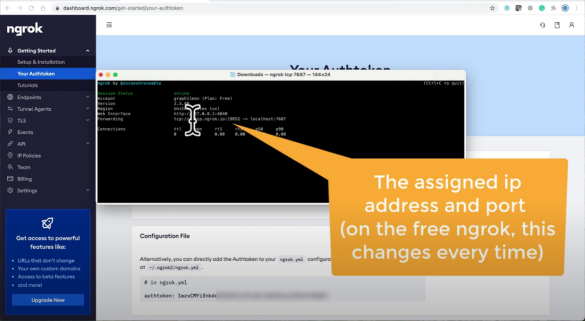
This approach is especially useful in testing and development situations.
Multi-user map editing with real-time updates with Websocket
How we extended Graphileon for the municipality of Winterswijk with collaborative, real-time map layers, letting any number of users create, edit, and share map data live, from multiple locations.

Ten Years of Graphileon — The Story Never Ends, and We Keep Building
Ten years ago, we registered a company around a radical idea: applications are graphs. Today, Graphileon is a multi-database, AI-enhanced low-code platform used by government bodies, healthcare organisations, pharmaceutical companies, and manufacturers across three continents. This is not a history lesson. It’s a statement of where we stand, and where we’re heading. Your app … Continued
Conversations with Ariadne
We've added a new conversational feature to Ariadne, our LLM-enhanced guide for the Graphileon platform. It makes learning the platform more intuitive and accessible.
Get started with Graphileon Cloud
The easiest way to get to know Graphileon is to create an account on Graphileon Cloud and start a free two-weeks trial. You'll get an environment with two graph stores installed, as well as access to the App Library with many examples.
You will be able to build graphy applications an browse your graph stores in a way you never did before.
 Docker
 Cloud
Cloud