Assume you have set up your permission structure like this:
(:User)-[:MEMBERSHIP {level:owner|member}]->(:Team)-[:permission {level:1|2|3}]->(n)<-[*]-(:Project)
Which basically means:
- Users are a members of Teams
- Teams have permissions of a certain level to nodes n that are linked to Projects. The nodes n can be linked directly or indirectly to Projects.
In our case we decided that the permission that a User has on a particluar Project is equal to the highest permission to any node n that is linked to the project. Since we have a lot of hiearchical structures, we can now for instance set permissions to all Projects that are somewhere in a specific country of region, just by setting team permissions to the relevant geographical branch.
The picture above gives an example:
- User1 is a member of Team A and Team B
- Team A has a level 2 permission to Gitega (a geographic location), Team B has a level 1 permission to Burundi (also a geographic location) and level 3 permission on Equity Bank Foundation, a particular funding agency.
So, User 1 has a level 1 permission to all projects in Burundi, and a level 2 to projects in the Gitega Province. when the project in funded by the Equity Bank Foundation, , User has even a level 3 permission.
Calculating the highest permission of for a given combination of User and Project is easy:
MATCH (u:User),(p:Project)
WHERE id(u)={userId} and id(p)={projectId}
WITH u,p
MATCH (u)-[:MEMBERSHIP]->(t)-[perm:PERMISSION]->(n)<-[*]-(p)
RETURN p.name,MAX(perm.level) as permissionLevel
The list of all projects and permissions that a User has access to isn’t a problem either:
MATCH (u:User)-[:MEMBERSHIP]->(t)-[perm:PERMISSION]->(n)<-[*]-(p:Project)
WHERE id(u)={userId}
RETURN id(u), id(p), p.name,MAX(perm.level) as PermissionLevel
ORDER BY p.name
But these queries only give you the end result. If you really want to understand the results of your permission settings, nothing beats a visualization like in the image above, which is produced with this Cypher:
MATCH path=(u)-[:MEMBERSHIP]->(t)-[perm:PERMISSION]->(n)<-[*]-(p)
WHERE id(u)={userId} AND id(p)={projectId}
RETURN path
Yes .. as simple as that.
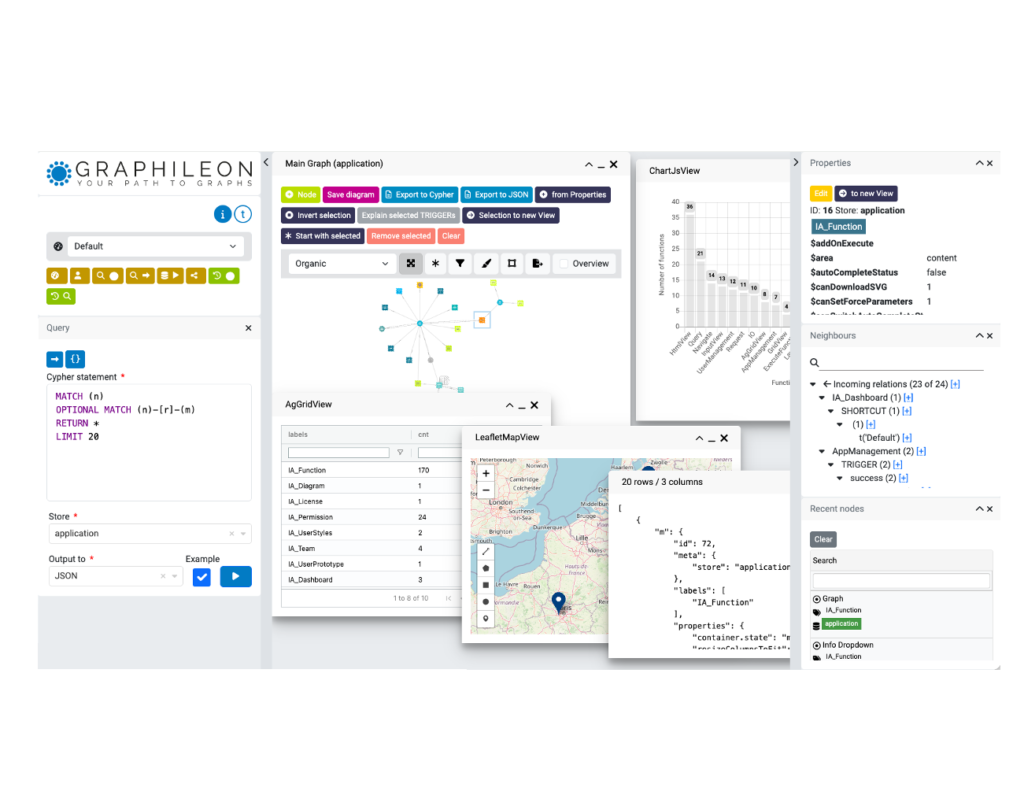
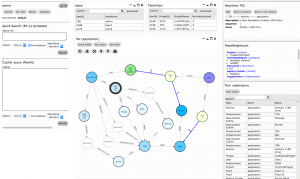
By the way, the image above is a screenshot of a NetworkView that is part of our InterActor product. You can create dashboards like the one below in under an hour. InterActor helps you to unleash the power of Cypher to your Neo4j graph store and build applications. And you don’t even need to be a developer!

 Docker
 Cloud
Cloud